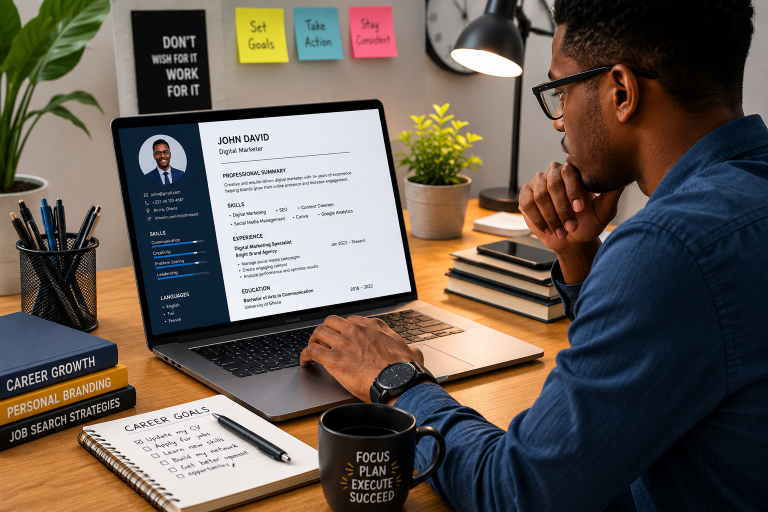

1. Choose the Right Space
Before anything else, pick a spot in your home that’s free from distractions. Ideally, this should be a quiet room or corner where you can focus. It doesn’t have to be fancy, but it should be comfortable. Make sure there’s enough natural light, as it boosts energy levels and helps you stay alert.
Tip: Avoid working from your bed or couch. It’s tempting, but those spots are too comfortable and may make it hard to focus. A desk and a chair are always better options.
2. Get a Comfortable Chair
One of the most important tools for a productive home office is a good chair. You’ll be sitting for hours, so choose something that supports your back. Look for an ergonomic chair that allows you to adjust the height and backrest. This will prevent back pain and make sure you’re sitting in the correct posture.
Practical Tip: If you’re not ready to invest in an expensive chair, add a cushion or lumbar support to your existing one. A rolled-up towel can also provide back support.
3. Invest in a Solid Desk
Just like your chair, your desk matters too. Make sure it’s big enough to hold your computer, monitor, keyboard, and any other tools you need. A cluttered workspace can lead to a cluttered mind, so keep things tidy and organized.
Standing Desks: If you can, consider a standing desk. Switching between sitting and standing throughout the day can reduce fatigue and improve focus. There are affordable standing desk converters if you’re on a budget.
4. Reliable Technology and Internet Connection
You’ll need a reliable computer or laptop and a fast internet connection to stay productive. Make sure your device is up to date and functioning well. Slow technology can kill your productivity. If your internet is spotty, look into upgrading your plan or investing in a Wi-Fi booster.
Key Tools:
- Noise-Canceling Headphones: Great for reducing background noise, especially if you live in a busy household.
- External Monitors: Dual monitors can increase your efficiency by letting you see more at once.
5. Lighting Matters
Good lighting is often overlooked, but it’s crucial for both productivity and comfort. Natural light is best, but if you don’t have enough of it, invest in a good desk lamp. Look for one that reduces eye strain by offering soft, diffused lighting.
Tip: Avoid harsh overhead lights. They can cause headaches and make it harder to concentrate. Adjustable desk lamps with warmer light settings work well for long workdays.
6. Keep Your Desk Organized
A clean workspace helps clear your mind. Use organizers, trays, or drawers to keep your things in order. Don’t leave papers or supplies scattered around. Take a few minutes at the end of each day to tidy up your space.
Practical Tip: Create a simple filing system or use digital tools like Google Drive or Dropbox to keep files organized. Fewer paper piles mean less clutter.
7. Time Management Tools
Working from home means you’re in charge of your schedule, which is great but also requires discipline. Using time management tools can help keep you focused and on track.
Recommended Tools:
- Toggl: A time-tracking tool that lets you log the hours you spend on tasks.
- Trello: A project management app that helps you organize tasks in boards and lists.
- Google Calendar: Great for scheduling meetings, blocking out work time, and setting reminders.
Tip: Try the Pomodoro Technique, where you work for 25 minutes and then take a 5-minute break. This helps maintain focus without burning out.
8. Stay Connected with Your Team
Remote work can sometimes feel isolating, but staying connected with your team helps maintain productivity and morale. Use communication tools to keep in touch.
Communication Tools:
- Slack: Perfect for team chats and quick communication.
- Zoom or Google Meet: For virtual meetings and video calls.
Tip: Schedule regular check-ins with your team or manager. This keeps everyone on the same page and makes collaboration easier.
9. Create Boundaries Between Work and Personal Time
It’s easy to blur the lines between work and home when you’re working remotely. Set clear boundaries so you know when to stop working and switch off. This prevents burnout and helps maintain a healthy work-life balance.
Tip: Stick to a routine by starting and ending your work at the same time every day. You can even create a “shutdown ritual” like closing your laptop or leaving the office space to signal the end of the workday.
10. Take Breaks and Move Around
It’s easy to forget to take breaks when you’re working from home, but sitting for long hours isn’t good for your health or focus. Schedule short breaks to stretch, walk around, or just get some fresh air.
Tip: Use apps like Stretchly that remind you to take breaks at regular intervals. Even a 5-minute stretch break can help you recharge and refocus.
A productive home office isn’t just about having the right tools; it’s also about creating an environment that helps you stay focused and comfortable. By following these tips, you’ll be able to set up a workspace that works for you and keeps you productive throughout the day.